Labels

Showing posts with label Semester 7. Show all posts

Friday, 3 June 2016

3d Advance Studio

Lecturer : Mr.Shan Fei


Bouncing ball Animation

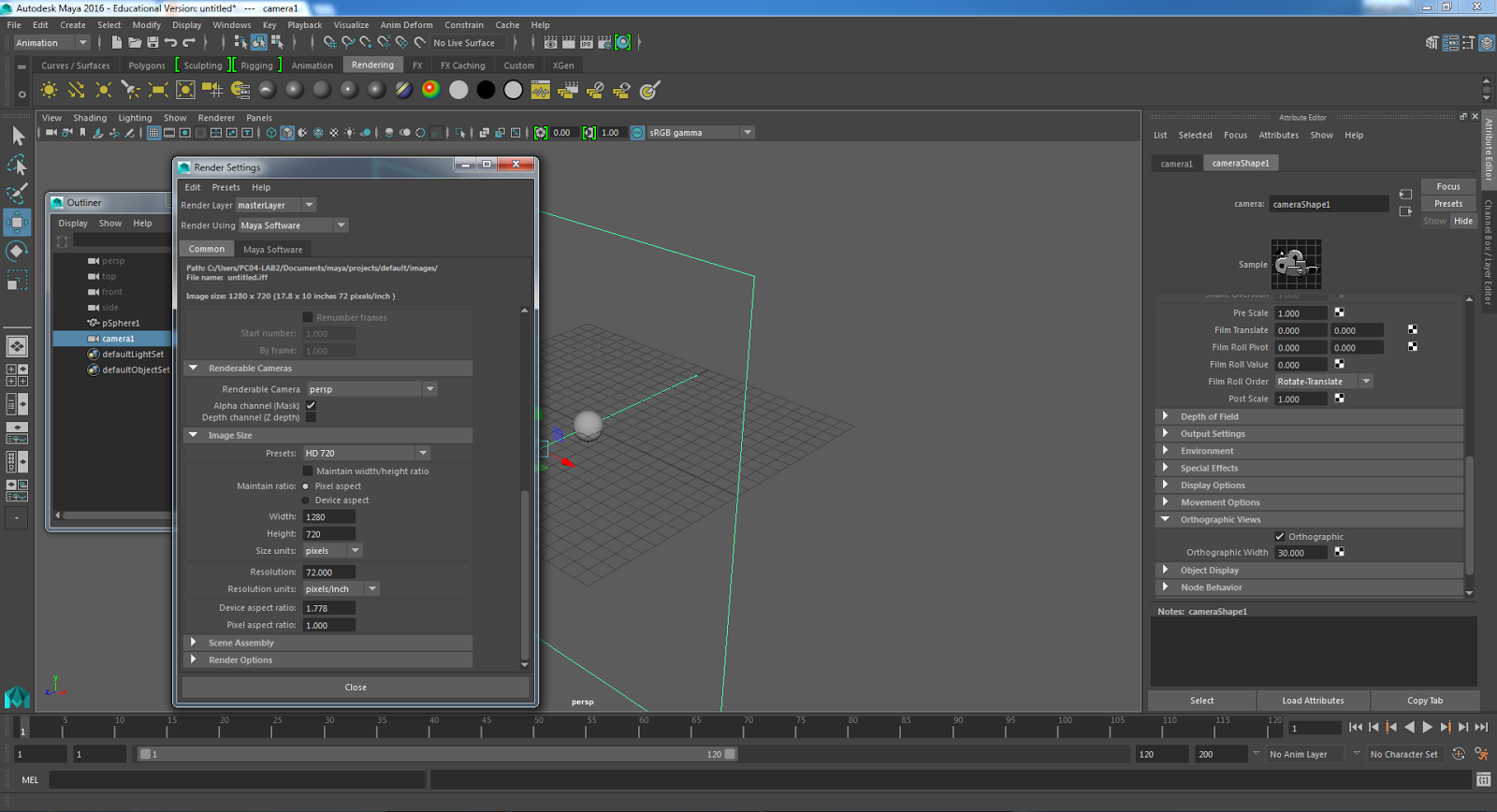
First, create a sphere.

Then, create camera from the rendering option.


After that, select the camera1 in the outliner. Then go to panel to choose the perspective view.


Now,  go to Attribute Channel1 to on the orthographic  from the orthographic view option.


After that, go to window, then click rendering editor , from there go to rendering setting. In the rendering setting, change the image size to HD 720.


Now, go to view option, then choose setting. From that, select the resolution gate. After that, select the safe action.


Then, go to panel, then select the look through camera. then select tear off to get the perspective  view.

Go to window, select the preference setting, then go to animation.After that, go to tangent, now set as flat and as stepped. After that, go to setting, noe set the frame rate. It must be in pal 25fps.


Playbast


Driven and driver


Mikey Animation


Breakdown

Basically, breakdown is a kind of guide/reference video of ourself. 
We were taught to shoot/choose a video of running then jump and then landing. Then do breakdown to make sure how many frames and which frames we are going to use to do animation with the selected 3d model 
given by Mr.Shan Fei.


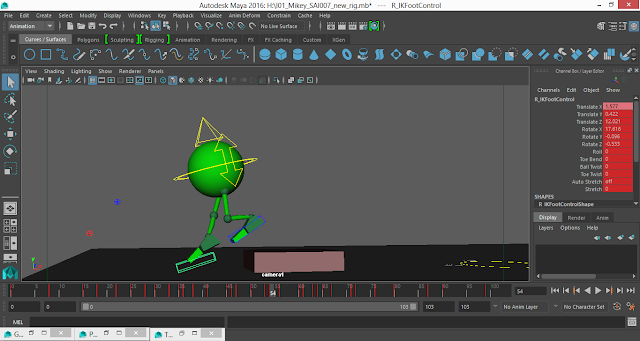
First process was, we have to set key frames.
This process is called as Blocking.


Rendered videos

Playbast : Blocking


Playbast : Spline


Playbast : Polish


WalkCycle Animation


Breakdown

Basically, breakdown is a kind of guide/reference video of ourself. 
We were taught to shoot/choose a video of walking, and then do breakdown to make sure how many frames and which frames we are going to use to do animation with the selected 3d model 
given by Mr.Shan Fei.


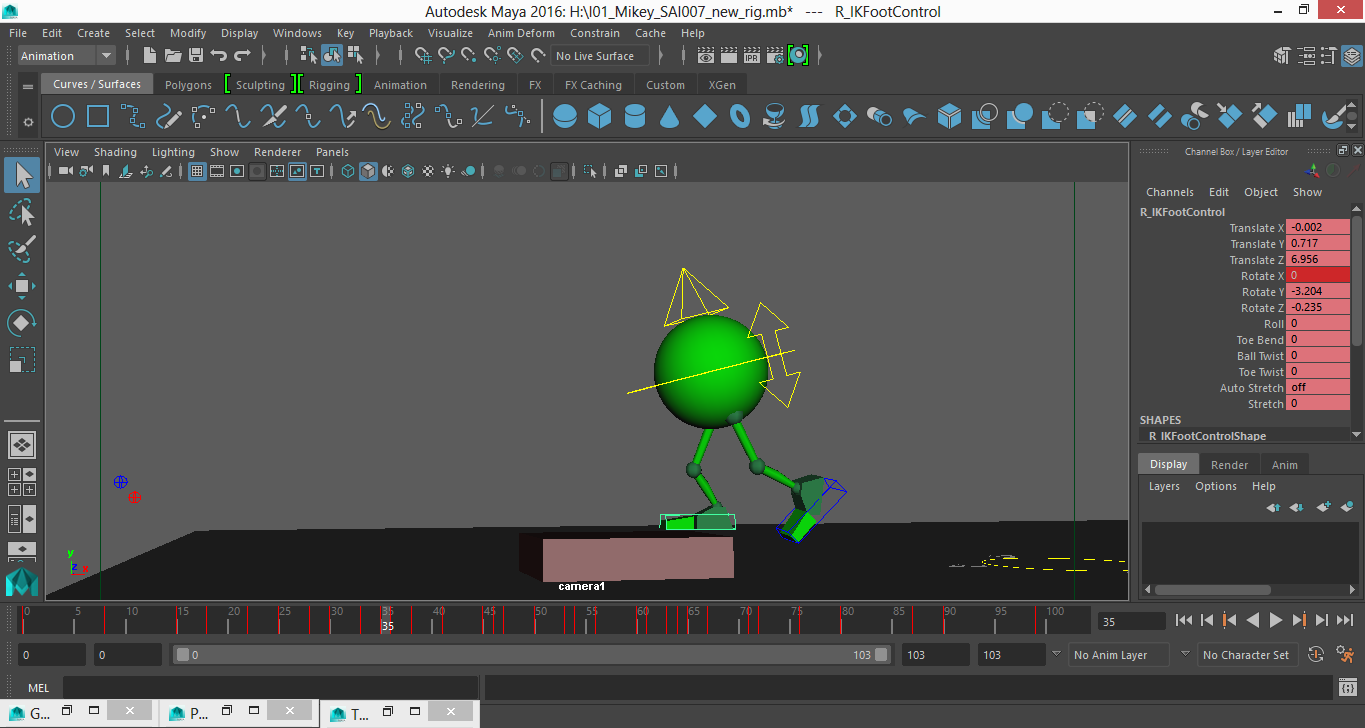
First process was, we have to set key frames.
This process is called as Blocking.


Rendered videos

Playbast : Blocking


Playbast : Spline


Playbast : Polish


Final Project

DanceAction Animation

Selected Dance Video from the movie AnyBody Can Dance (ABCD).


Breakdown

Basically, breakdown is a kind of guide/reference video of ourself. 
We were taught to choose a video of dancing, and then do breakdown to make sure how many frames and which frames we are going to use to do animation with the selected 3d model 
given by Mr.Shan Fei.


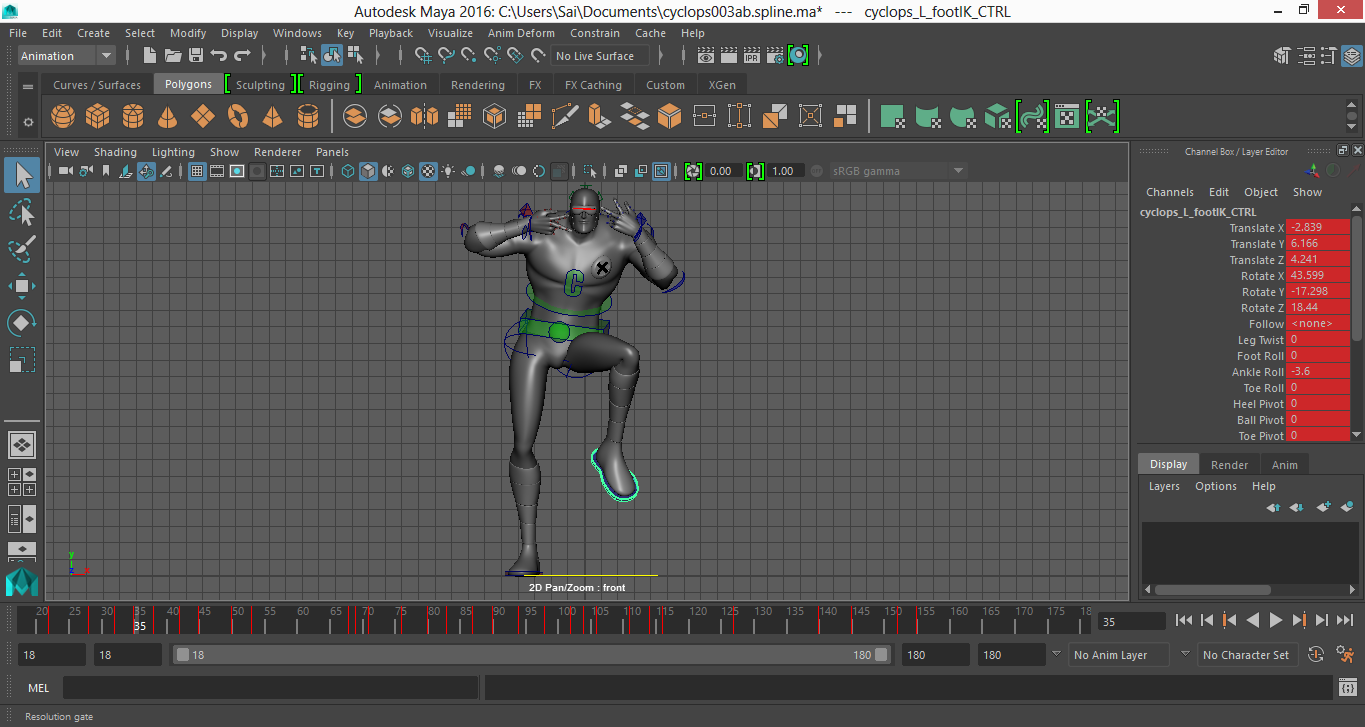
First process was, we have to set key frames.
This process is called as Blocking.






Rendered videos

Playbast : Blocking


Playbast : Spline


Playbast : Polish


Wednesday, 1 June 2016

Specialized in VFX

Specialized in VFX

Zaidi Bakar


Lesson #1

Rotoscoping
 Imported the tiff files into the composition.


Drag them together in folder to the set up composition.


Now select the pen tool to start masking/rotoscoping.


First masked object.


After finished masking the object.


After completed rotoscoping the the two objects.


Second Lesson : Rotoscoping


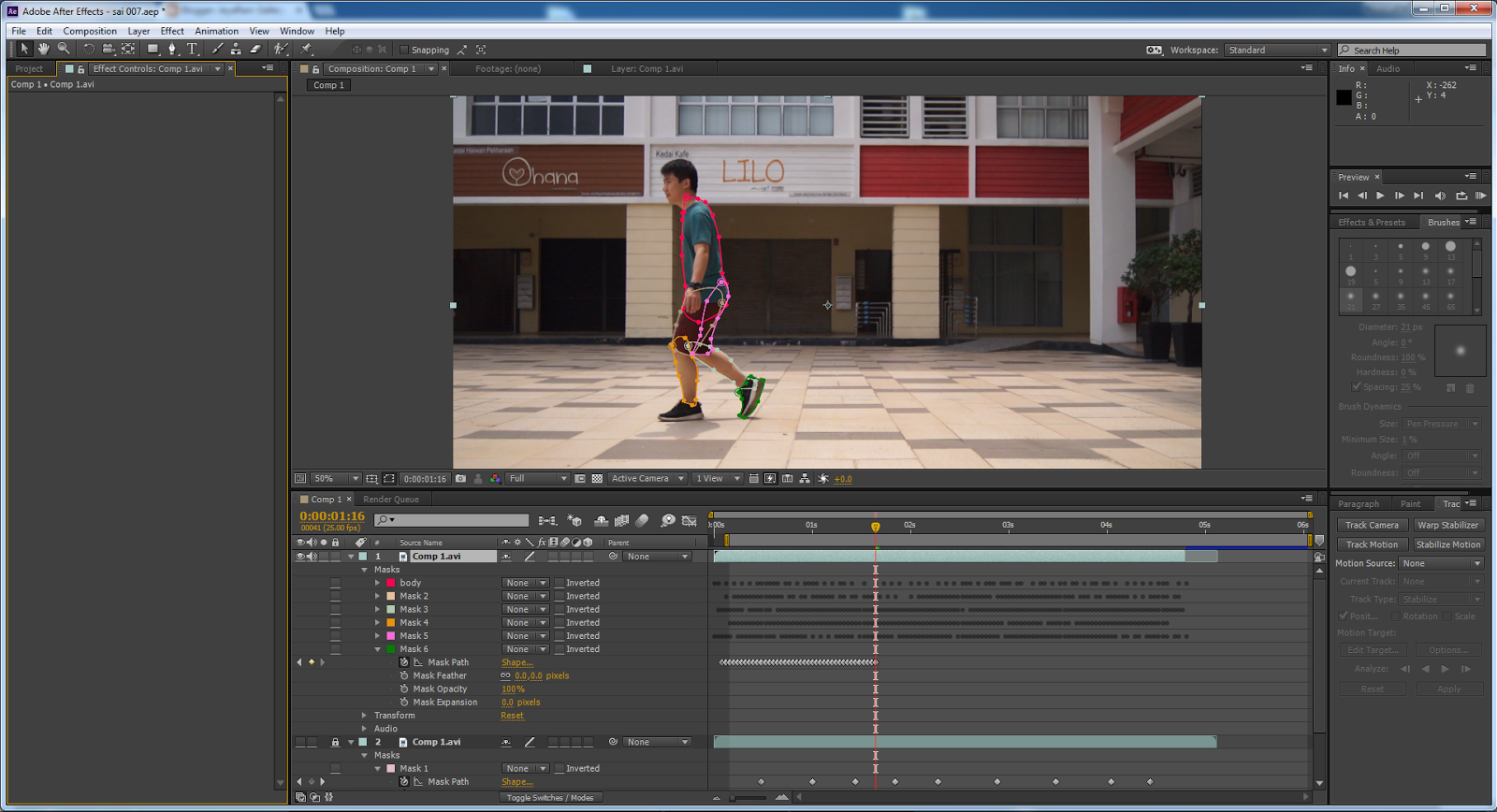
First, I and my group members shoot a video of our friend walking. The video is used for rotoscoping lesson using Adobe After Effect.


First step : Masking using pentool

Now select the pen tool to start masking/rotoscoping.


After rotoscope, I found some dust effects and bush png files to add in with my rotoscope footage to merge together.

20 Different Dust Elements Effects


Sand blowing and storm-free green screen

Png Swamp plant


Credit : Deviant ART
http://wolverine041269.deviantart.com/art/Swamp-Plant-02-360176213


After edited with background and some dust effects. Rendered all files in png format.


NUKE


Introduction
Nuke, the name itself deriving from New Compositor. It is used for film and television Post Production work. Specially for Visual effects compositings. Its benefits and functions are more advanced Adobe After Effect.


Lessons on Nuke software

Nuke Advance Keying and Compositing


Semester Break Assignment

Keying and Compositing


Rendered video


Basic 3D Tracking


Basic 3D Tracking Rotopaint


Rendered Video


3D Tracking, Rotopaint and Compositing


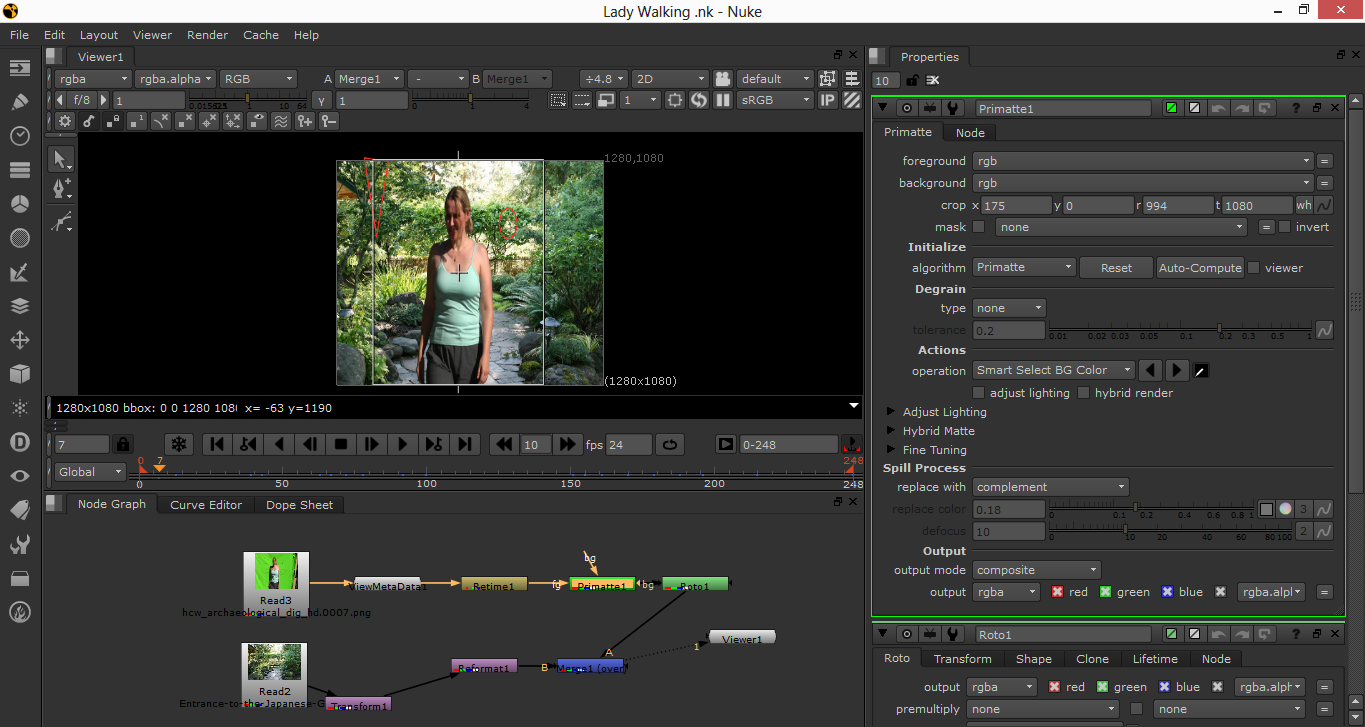
Keying out Green Screen


Add Door and Compositing


Final Project

Animated StoryboardTitle : Sword


FINAL PROJECT
Title : Destination
Team members : Muhammad Afif
                              Fedderickson Chin
                     Sharil Nizam
                                                  Sai Jayanthi a/p M.Ramalingam


Work Progress
First all scenes were shot at normal environment around our college area. Some green screen shots were shot at Robotic Lab of Point College.


 Our concept is to create a destroyed buildings environment. It is a kind a destroyed city.
We used Adobe Photoshop to create the Matte Painting.


After key in out from green screen, we edited the footage with our painted matte painting.


After merge the footage and matte painting together.