2D Animation
Lecturer : Mr. Kenneth
First week lesson,
http://vimeo.com/93206523
Second week,
https://vimeo.com/117249231
vimeo.com/13963933
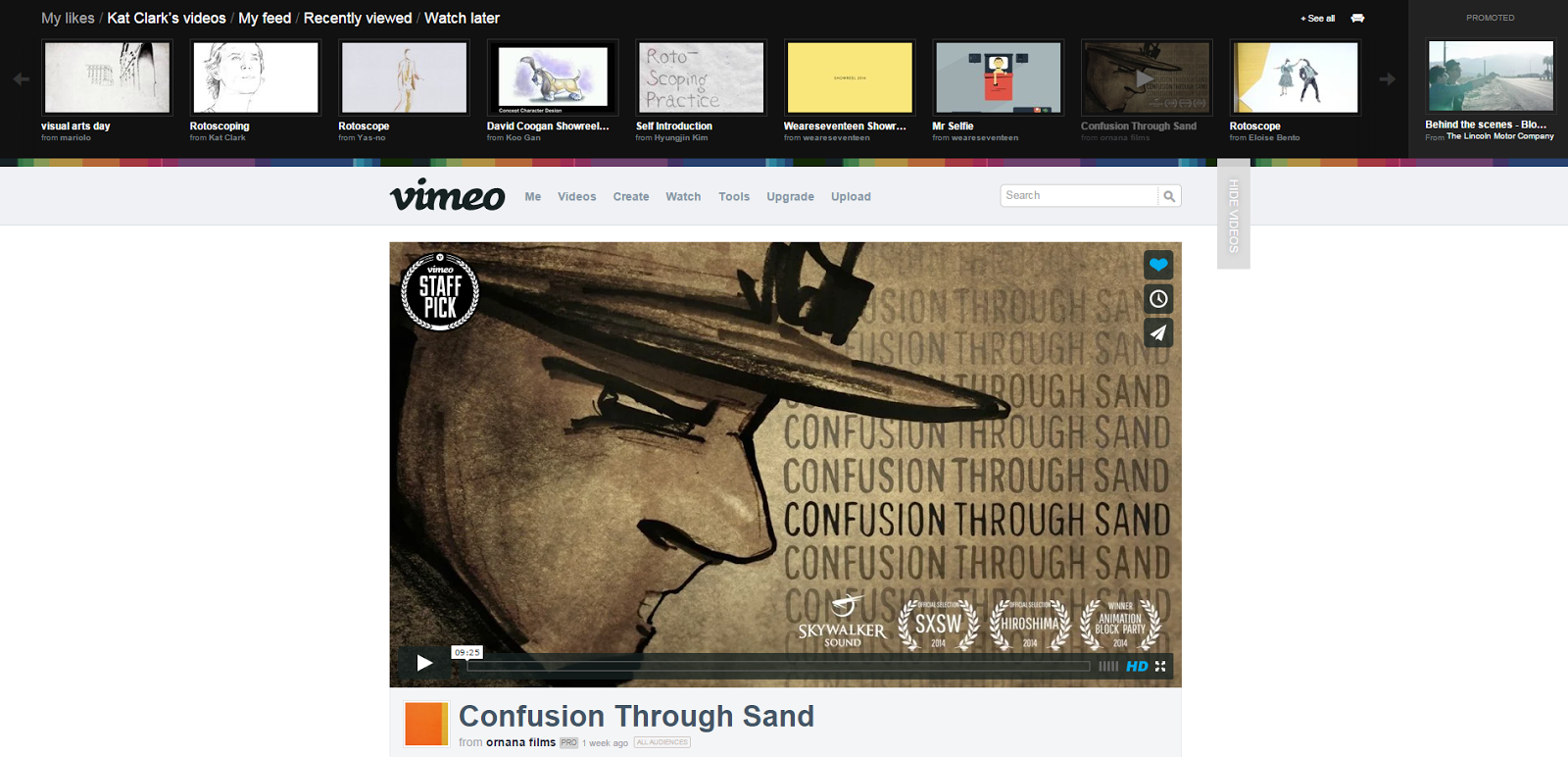
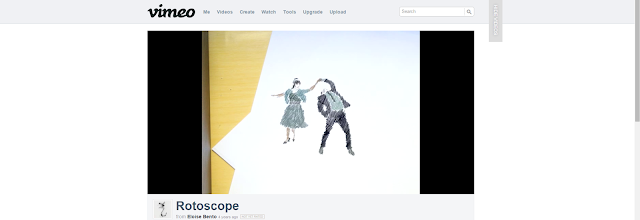
firdFirst Rotoscope lesson,
Final,
Second lesson on how to do channel id,
Beginning,
the Technic,

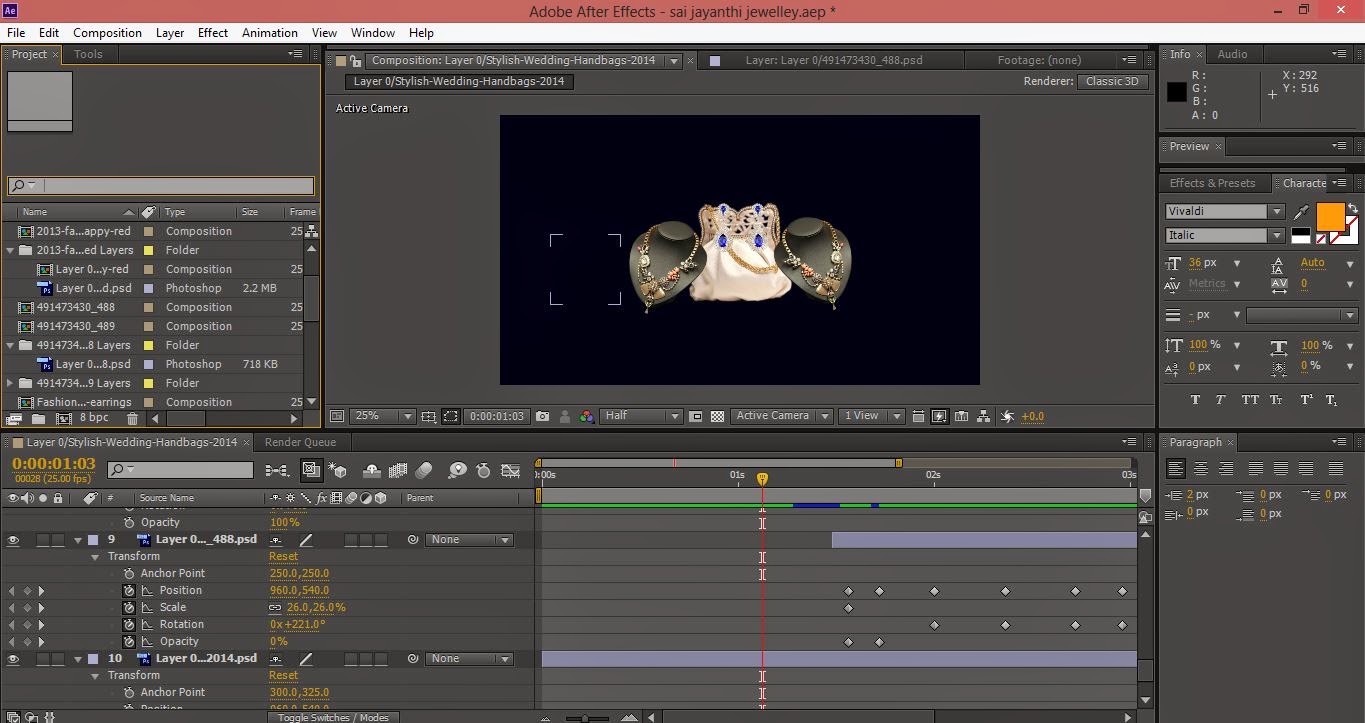
then, try to do channel id by add a few pictures.


After that, I arranged them according on how i had planned its will look like.


Final,
Using shapes
PARALLEX EFFECT
Find some pictures from web.
next,
crop the animal image out from the real image.
Now, I use the Adobe After Effect software to continue the Parallex Effect project. Morever to get the completed video of parralex effect.
RotoBrush in After Effect
First,find a short timed video and download it.
After that, import the video in after effect software and stream it until the specific frames.the frames needed for the rotoscoping process.
After that, make a duplicate layer and rename the first layer.
Now, click the first layer and choose the rotobrush tool.
then, can start to trace the frames.
after finished tracing, have to click Freeze.
After that, go to the composition layer and click the duplicate layer. then, change the background color.
after that, ad fonts.
And now can arrange them.
Giant project